
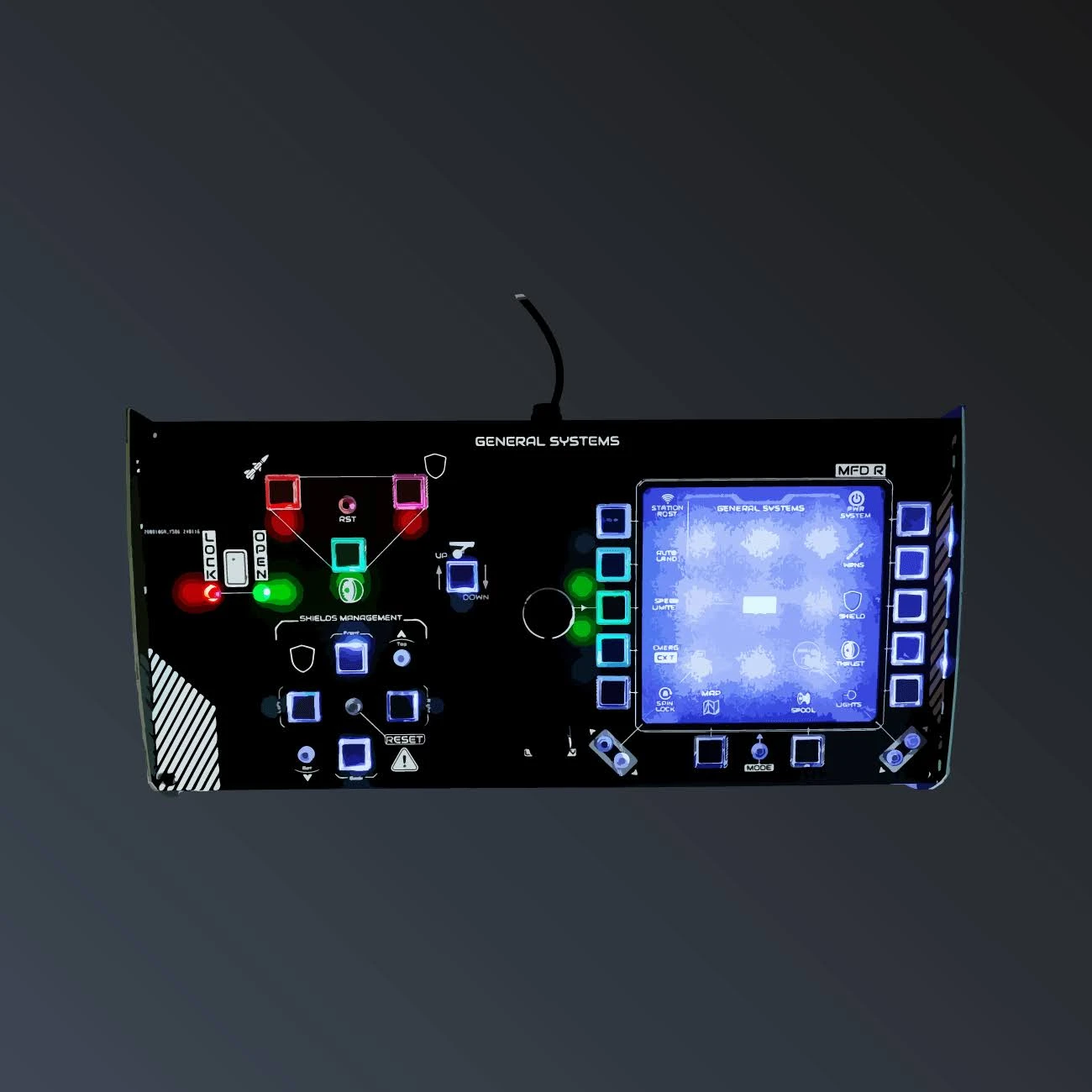
General Systems Panel
€184.00€200.00approx. $207 USD
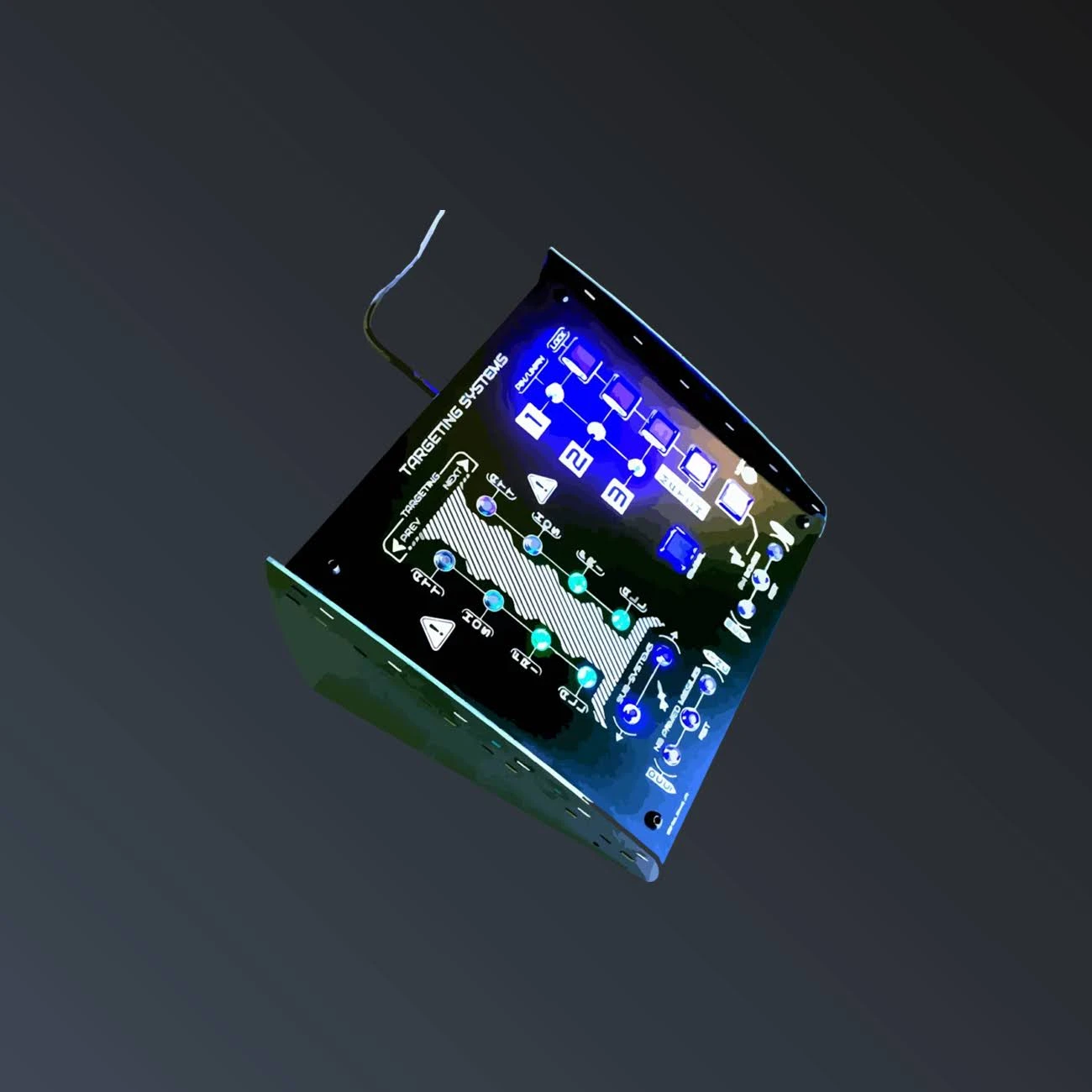
Full target management at your fingertips
In stock★★★★★
Price includes €0.08 eco-tax (WEEE). USB-C cable required (port or adapter).
Delivered with desktop legs — sits on any desk, next to your HOTAS.
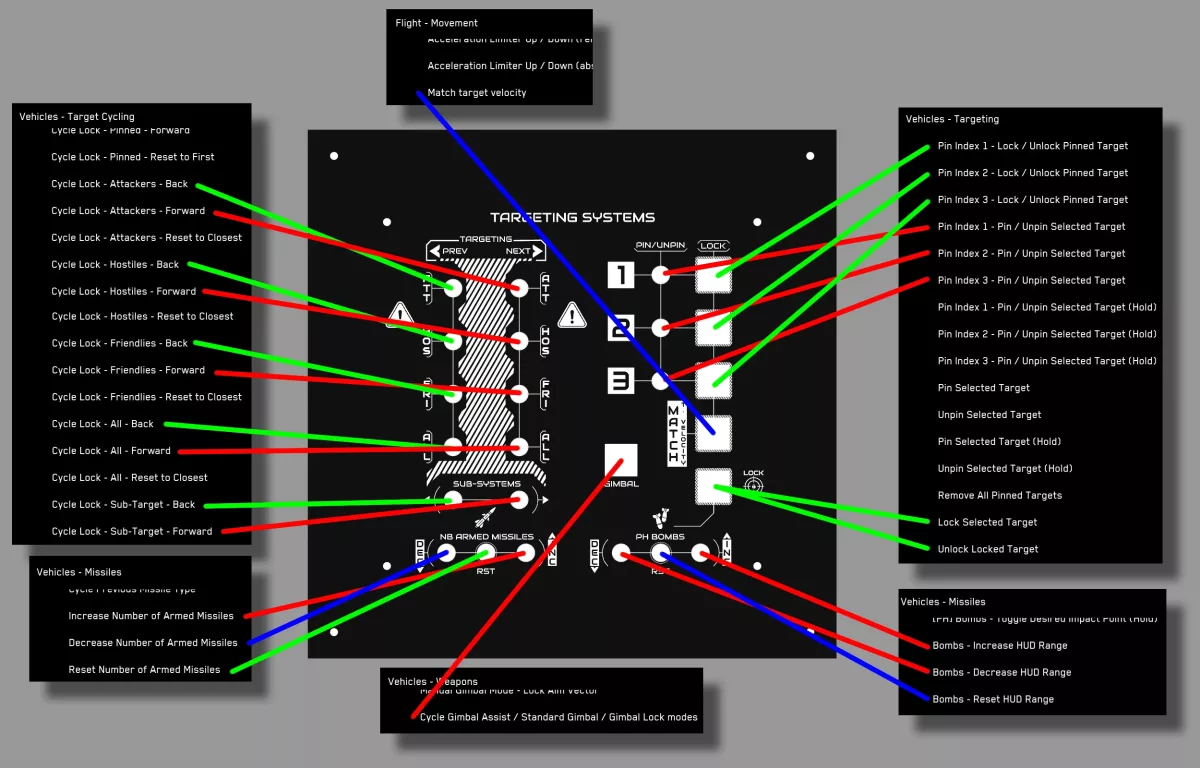
The Targeting Systems panel puts every Star Citizen targeting function on a dedicated, labeled, backlit button. Cycle through attackers, hostiles, friendlies or all targets with PREVIOUS / NEXT keys, jump straight to sub-systems like shields, thrusters and weapons, and keep your eyes on the fight instead of on your keyboard.
Three PIN / LOCK pairs let you pin and lock up to three targets, exactly mirroring the in-game pinning system. Dedicated keys handle missile and bomb counts (increase, decrease, reset), MATCH TARGET VELOCITY, GIMBAL mode and LOCK TARGET — the controls a combat pilot actually reaches for under pressure.
| Weight | 0.5 kg |
| Dimensions | 20 × 20 × 20 cm |
| Power draw | 160 mA |
| Connection | USB-C |
| Mounting | Sits on your desk (legs included) |
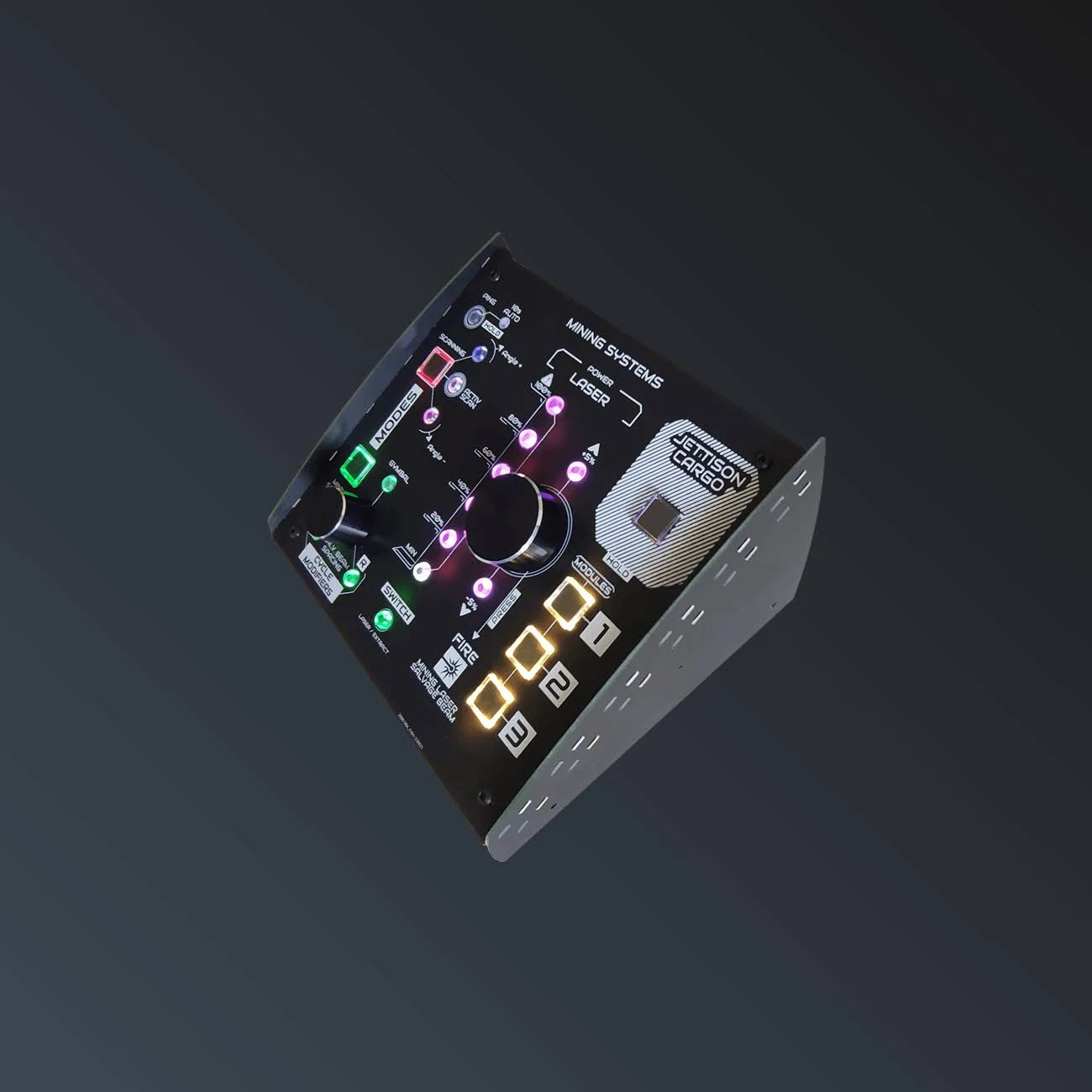
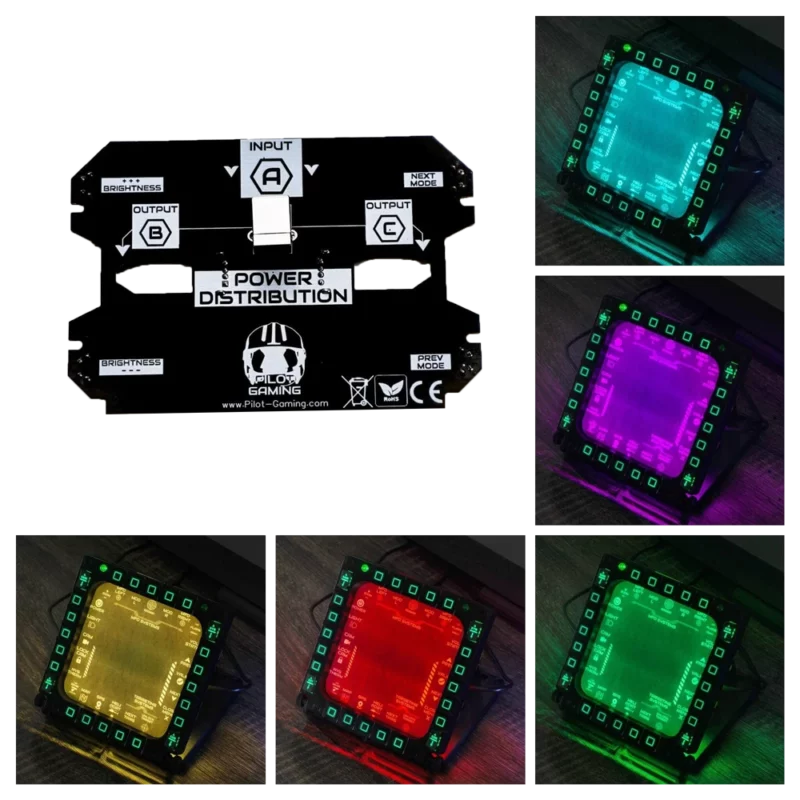
Each panel connects over USB and shows up in Windows as a standard game controller — exactly like a HOTAS. Open the Star Citizen keybinding menu, press the labeled button you want to assign, and you are done. No drivers, no companion software, no profiles to maintain.
The labels are printed on the front face and the buttons are backlit; every function name matches the official Star Citizen terminology, so your muscle memory builds instantly.
Please enter your order reference and email.