Setting Up Your HOTAS for Elite Dangerous: The Keybindings Guide
30/05/2025
Elite Dangerous was designed for HOTAS, and its control configuration is among the richest in gaming. Well set up, it transforms the experience; poorly managed, it can cost you hours of tuning. Here's the clean method.
Start from a preset, then personalise
In Options → Controls, the game offers per-device presets (X52, X56, T16000M, Warthog…). Load the one for your hardware as a base, then customise. Priority to flight controls: pitch/roll on the stick, yaw, thrust, and above all the lateral and vertical thrusters — vital for landing and combat.
The bindings that change the game
Beyond flight, assign as a priority: pips management SYS/ENG/WEP (see our power management guide), landing gear, cargo scoop, frame shift drive, hardpoints, FSS view and boost. Golden rule: combat commands on the stick (reachable without letting go), management commands on the throttle or a panel.
Back up your settings!
The classic trap: a game update that resets your controls. Your bindings live in a file (the game's Bindings folder): copy it religiously after every change. You'll be able to restore it after a mishap or move it to another PC.
The essential complement: seeing your controls
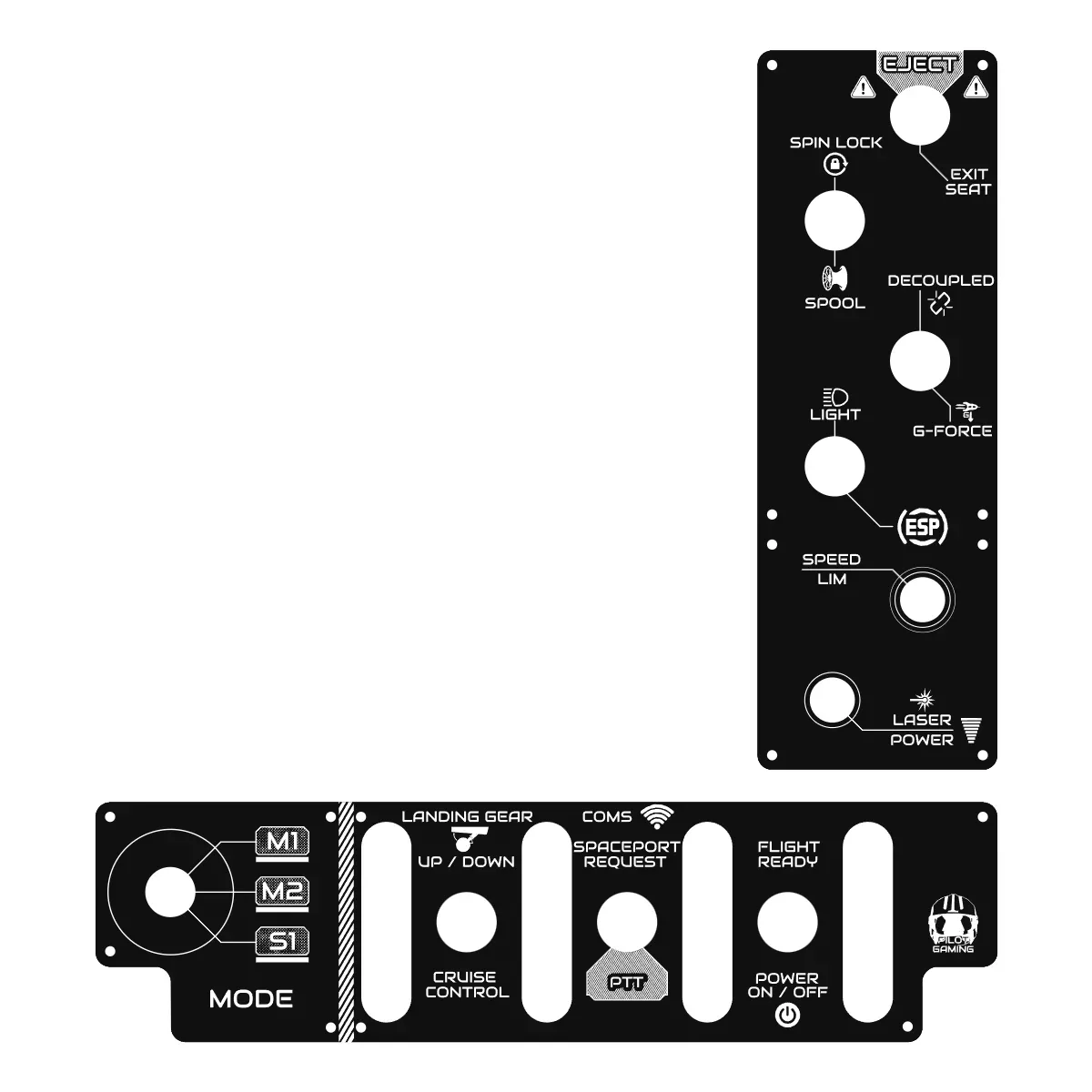
With dozens of bindings, memorising every button is wishful thinking. That's exactly the problem our X55/X56 plates with Elite Dangerous markings solve: every command is engraved next to its button. Also available for Warthog and WinWing Orion 2 (as custom versions, with YOUR bindings). Fly safe, commander o7
Related products
Also read

Get news and exclusive offers.