
Star Citizen: Master Targeting and Pinned Targets
29/04/2025
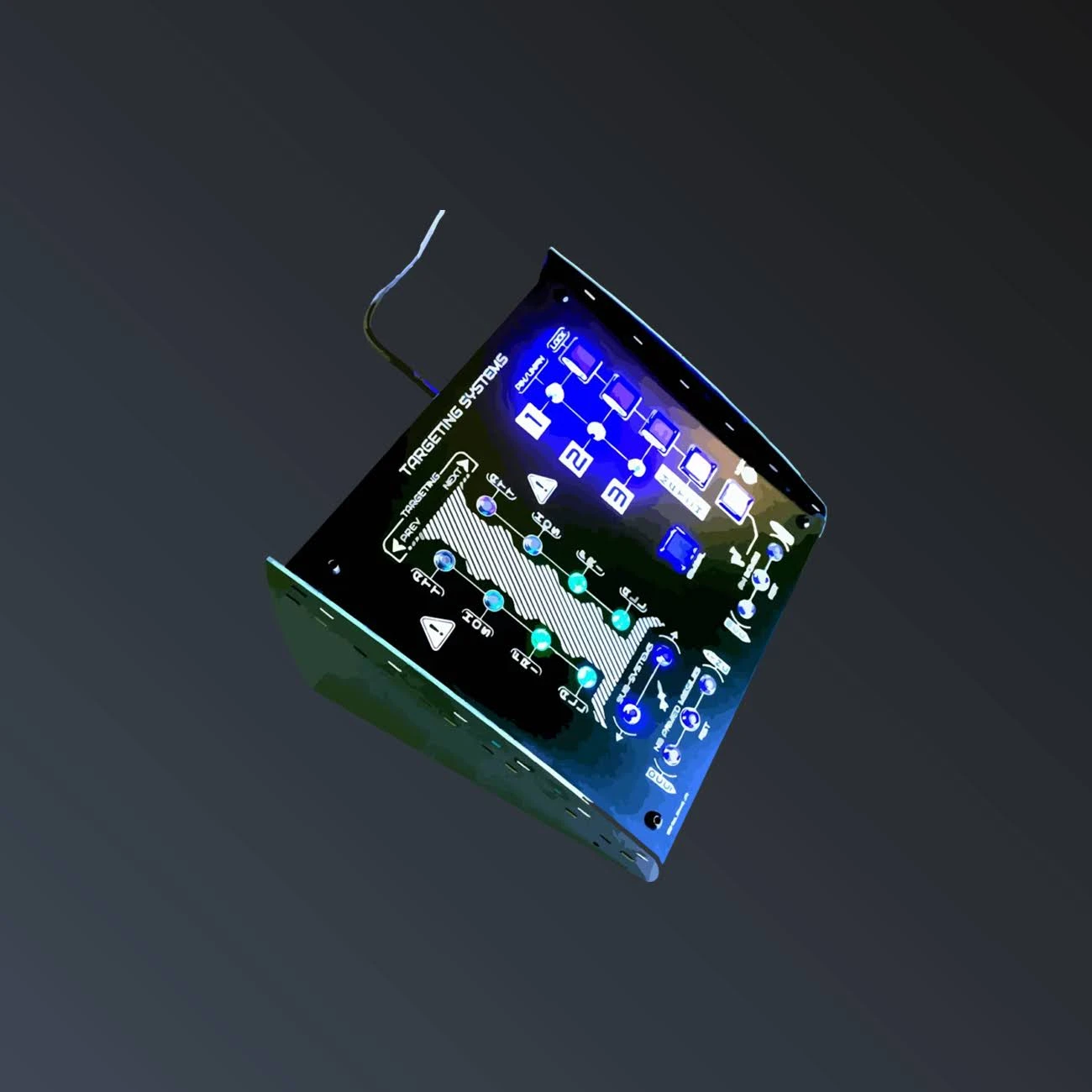
In Star Citizen, mastering targeting often makes the difference between victory and the respawn screen. Locking, cycling, pinning targets: here's how to dominate space combat.
Locking and cycling targets
The basics: lock a target to see its distance, speed and heading. By default, T locks the target under the reticle or cycles through visible targets. Keys 4, 5 and 6 cycle through attackers, hostiles and friendlies respectively — an essential reflex for prioritising threats.
Pinned targets: your secret weapon
The pinned targets system is the key to smooth combat. With Alt + 1/2/3, you pin up to three targets; then keys 1/2/3 instantly lock the matching target. No more searching: your priority enemies are one gesture away. Key 0 removes all pinned targets.
Why a dedicated panel changes everything
These commands are many and fast to chain. Mapping them to a physical panel rather than hunting on the keyboard saves precious time mid-dogfight. Our Targeting panel groups the targeting and threat-management controls, labelled and backlit, to keep your eyes on the action. Pair it with the General Systems panel for total control.
Keybinds change from patch to patch: always check your shortcuts in Options → Keybindings.
Related products
Also read

Get news and exclusive offers.